
Eye-Able Assist takes its display language from the lang attribute of your page. Here you'll learn why Eye-Able Assist sometimes appears in a different language from your website and how to change that.
Why does the language differ from the website?
Eye-Able Assist is displayed in the language specified in the page's lang HTML attribute. The language of your domain's text content is not taken into account.
To correct this, you should set your website's language to the page's actual language.
How can I force the language temporarily?
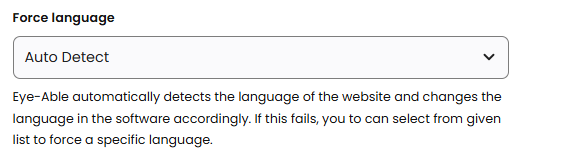
If you have no way to change the language, you can force any language in the Dashboard under Eye-Able Assist > "Configurator" > "Advanced" tab using the "Force language" function. There you can switch from "Auto-detection" of the website language to the language you want.
Note: This should only be a temporary solution until the langattribute is set correctly, as many external accessibility tools are based on the language set there.