
In this article, you will learn how Eye-Able Assist works with the code of your website, which changes occur during use and how they can be undone.
Does Eye-Able Assist affect the design of my website?
No. To prevent interactions between the styling of your website and Eye-Able Assist, all stylesheets and almost all HTML elements of Eye-Able Assist are encapsulated in a Shadow DOM.
What changes in the code when Eye-Able Assist is only integrated?
As long as no functions are activated, the rest of your website’s HTML code remains unchanged. Eye-Able Assist only adds a container at the end of the <body> element.
What happens when visitors activate a function?
When functions are activated, the following changes, among others, may be made to the HTML or CSS code of the page:
- Adding CSS classes and IDs
- Adding inline styles
- Adding attributes
- Adding new elements
These changes are made exclusively in the browser of the person who activated the function.
Are the settings saved?
Yes. The settings are saved in the browser of the respective person.
You can find more information on this in the following article:
How can the changes be undone?
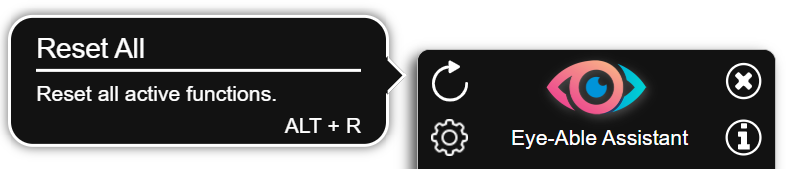
All changes can be undone by resetting the functions and then reloading the page:
- In Eye-Able Assist, click the round arrow in the top left corner (tooltip “Reset all”) or alternatively use the key combination Alt + R.
- Reload the page.
Further help
If you need further support, you can find all contact options in the following article: