
Introduction
In this article, you will learn how to check how many AI credits you have used so far in your dashboard. The display is located in different positions depending on the product. Below is a clear overview.
1. Check AI Credit Usage in the Dashboard
-
Open your Eye-Able Dashboard.
-
Switch to the respective product.
-
You will see your current AI credit usage at the designated spots.
AI Ally
-
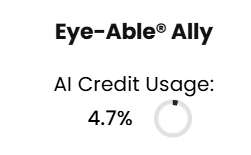
Open the Ally (AI Assistant) overview in your dashboard.

-
The usage is displayed in the top-right corner of the respective product section.
Plain Language – Simplify Text
-
Open the Plain Language – Simplify Text overview in your dashboard.
-
You will find the display in the middle of the product section.

Transcription
-
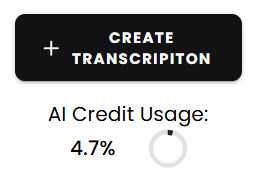
Open the Transcription overview in your dashboard.
-
For this function, the usage is shown in the top-right corner.
PDF Improvements
The AI credit usage for "PDF Improve" will only be displayed once you click on "Improve PDF". At this point, you can check the usage and then confirm by clicking "Improve Now".
A step-by-step guide for this can be found in the following article:
How Many AI Credits Do I Need for PDF Improvement?
AI-Credits increase
If your current AI-Credit allocation is not sufficient, you can increase it at any time. Simply contact your Sales representative to receive a no-obligation offer.