
There are two ways to view your API Key.
1. In the Eye-Able Dashboard
-
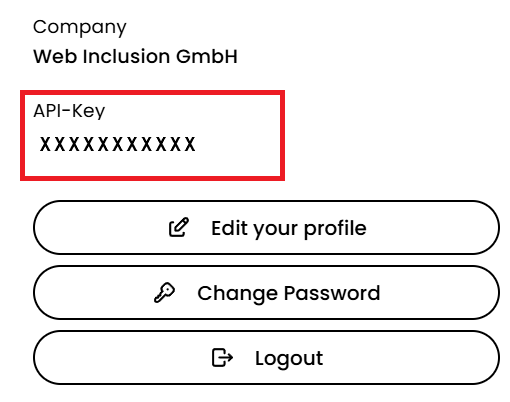
Go to the top right corner of the Dashboard.
-
Click on your profile.

There you will find your API Key.
2. In the Welcome Email
Your API Key serves as the initial password for the Eye-Able Dashboard and is therefore included in the welcome email you received when creating your account.