
Overview
For the Plain Language module, individual pages can be specifically excluded. This allows you to define on which URLs the module should be applied.
Where can URLs be excluded?
Individual URLs can be excluded in the Dashboard Configurator under the "Advanced" section.
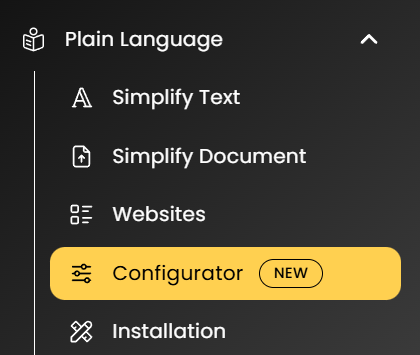
Navigate to the Plain Language menu and select the "Configurator" sub-menu.
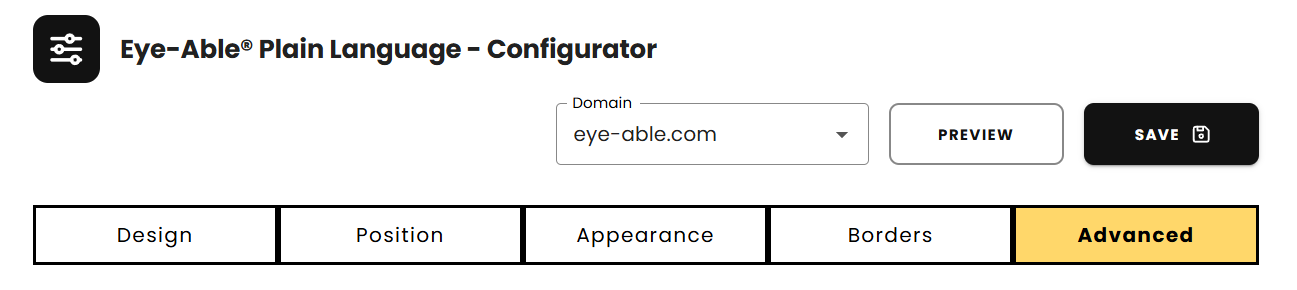
In the configurator, navigate to the "Advanced" section.
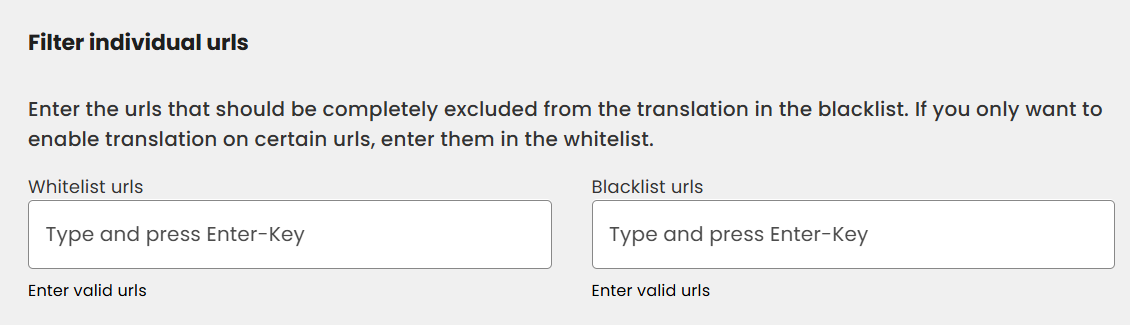
Here, in the "Filter individual URLs" field, you can specifically add URLs to the Whitelist or Blacklist. Enter the URLs in the Blacklist that should be completely excluded from translation. If you want translation to be available only on certain URLs, add them to the Whitelist.
Note: Excluding individual URLs works the same way in Eye-Able Translate.