Skip to content
English
  • There are no suggestions because the search field is empty.

Why is the demo area still displayed instead of the full dashboard after purchasing a licence?

Access to the full dashboard after purchasing a licence

After you have purchased a licence, you may still see the demo area, especially if you have accessed it previously.


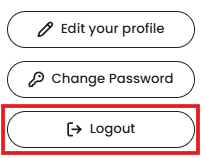
To exit the demo area:

  1. Click on the ‘Exit’ button in the top right corner of the demo area.

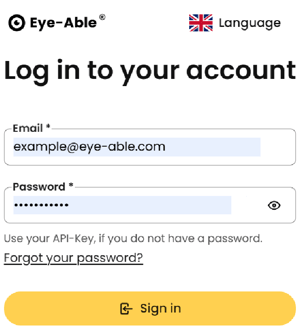
  2. You will be redirected to the login page of the dashboard.

Next step:

Log in with your account to access all features of the full dashboard.