Overview
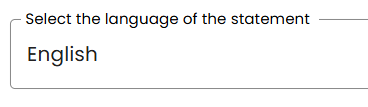
For creating the accessibility statement, a selection of 13 languages is currently available. The desired language can be selected directly in the generator during the creation process.
Which languages are available?
The following 13 languages are currently available:
-
German
-
English
-
French
-
Italian
-
Dutch
-
Polish
-
Portuguese
-
Spanish
-
Danish
-
Swedish
-
Finnish
-
Turkish
-
Norwegian
Where can I select the language?
The language selection is available in the dashboard during creation via the generator.
Step-by-step: Select the language in the generator
-
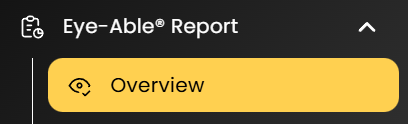
Open the Report overview in the dashboard.
-
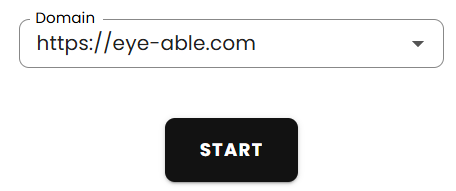
Select the desired domain.

-
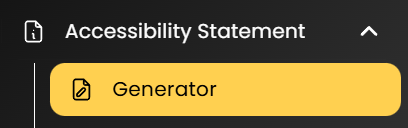
Switch to the Accessibility statement tab.
-
Open the Generator sub-tab.
-
Start the creation by clicking Start creation.
-
On the first page, you will find the option Select language at the very bottom.