
For organisations with a large number of users, managing access via teams is a good option. Teams bundle licences and pass them on to all assigned users.
Creating a team
- In the Eye-Able Dashboard, go to "My Organisation".
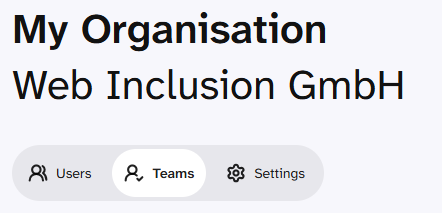
- Click "Teams" and then "New team".
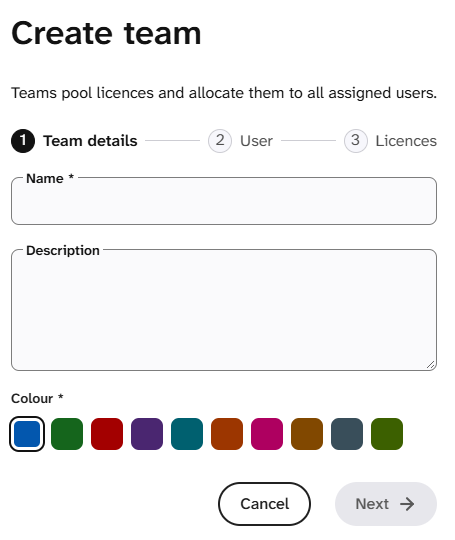
- Enter a name and, if needed, add a description. Click "Next".
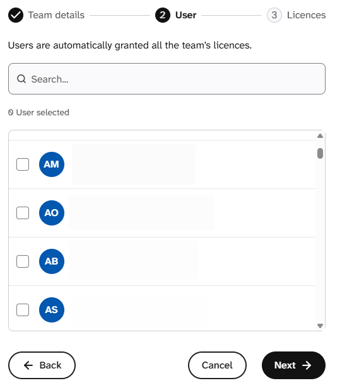
- Tick the users who should belong to the team and click "Next".
- In the editing screen, choose whether the team gets access or not. You can set the access type to "View" or "Edit".
If you expand the drop-down, you can also adjust access for individual licences, modules or errors. To restrict or extend access, tick or untick the box next to the entry.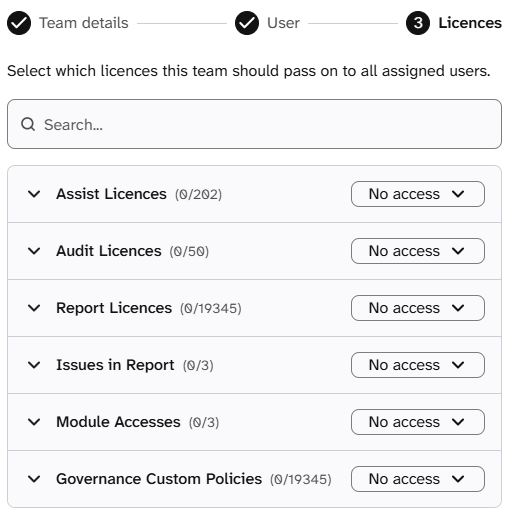
- Once you have selected the settings you want, click the "Submit" button.
Rights from user and team settings
A user can get rights from both the user settings and the team settings. The additive principle applies: all assigned rights are combined.
Related articles
You can find more about access rights and licences in these articles:
- Assigning licence rights within an organisation
- How can I restrict the access rights of individual users in my organization?
Further help
Do you have further questions or need personal support? The following article explains how to get in touch with us: