
This article explains how the read-aloud function of Eye-Able Assist handles abbreviations and characters and how you can adjust their pronunciation in the Dashboard.
Read-aloud function behaviour
As the read-aloud function of Eye-Able Assist depends on the browser and operating system used, its behaviour may vary depending on the device.
- Almost all common speech output systems read characters such as “+” aloud as “plus”.
- Abbreviations such as “etc.” are generally read out in full as well.
Adjusting the pronunciation of abbreviations
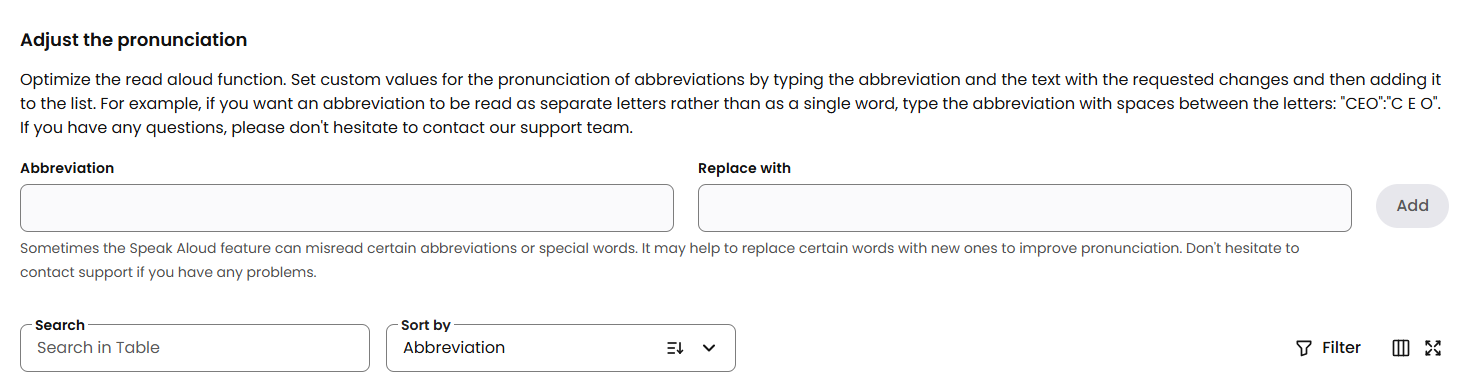
In the Assist configurator in the Dashboard, specific abbreviations can be marked as required to improve the read-aloud quality.
To do this, enter the word or abbreviation under “Pronunciation settings” and specify under “Replace with” how the read-aloud function should pronounce it.

Further help
Do you have further questions or need personal support? The following article explains how to get in touch with us: