
You can find a complete overview of all test rules that Eye-Able Audit and Eye-Able Report apply directly in the dashboard.
Where do I find the overview?
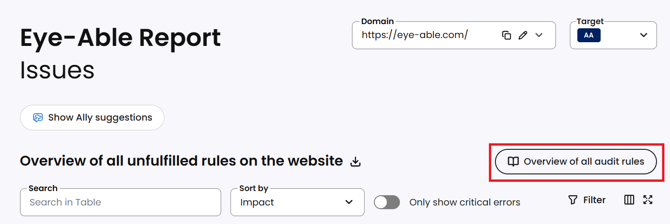
The complete list of all test rules is available in the dashboard under Report > Issues > Overview of all audit rules. There you can see the current status of the automatically checked criteria at any time.
Important Notes:
-
The number of automatically tested criteria may change with new WCAG versions or technical developments.
-
Eye-Able regularly updates its test methods to provide a modern and practical accessibility analysis.
What about criteria that cannot be tested automatically?
Test steps that cannot be automated can be covered by the guided manual tests in the Eye-Able Dashboard. With guided tests users are guided through the non-automated test steps of EN 301 549, ensuring a more complete accessibility evaluation.