
In this article, you'll learn how to install Eye-Able Audit in Chrome.
Step-by-Step Guide to Installing Eye-Able Audit in Chrome (Browser Extension)
Eye-Able Audit is a browser extension available for Chrome, Firefox, and all Chromium-based browsers.
The current download link can be found in the Eye-Able Dashboard.
How to install Eye-Able Audit in Google Chrome
-
Open the Chrome Web Store
Click the blue button labeled “Add”.
-
Confirm the Extension
After clicking, a popup will appear in the center of the browser.
Confirm the action by clicking the button “Add Extension”.
-
Redirect to the Dashboard
Once the installation is complete, you will be automatically redirected to the Audit section in the dashboard.
Login and License Activation
-
Open the Browser Extension
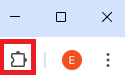
Click the puzzle icon at the top right of your browser. Select Eye-Able Audit from the list to open the license menu.
-
Log in with Dashboard Credentials
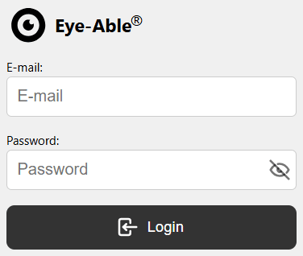
Log in using your Eye-Able Dashboard account details.
Click “Login” to activate your license.
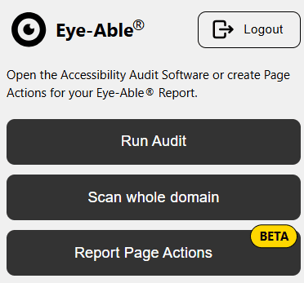
After a successful login, you can:
Start Audit
Scan the entire domain
Execute a Report page action
How to Start a Scan
Once you are logged in and on a licensed page, a radar icon will appear in the lower right corner of the browser.

You can start a scan by:
- Clicking the radar icon
- Using the keyboard shortcut: ALT + F5
- Right-clicking on the page → “Run Eye-Able Audit”
Here you'll also find more articles about the Features and Functions of Eye-Able Audit.