
You can exclude individual pages from Eye-Able Plain Language. This lets you decide on which URLs the module is used.
Where can URLs be excluded?
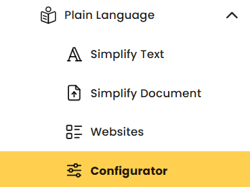
You can exclude individual URLs in the Dashboard configurator of Eye-Able Plain Language. To get there, open the Eye-Able Plain Language menu and select the “Configurator” sub-menu.
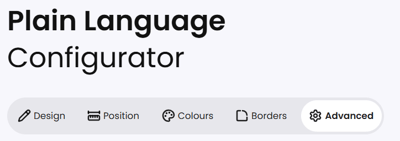
In the configurator, switch to the “Advanced” section.
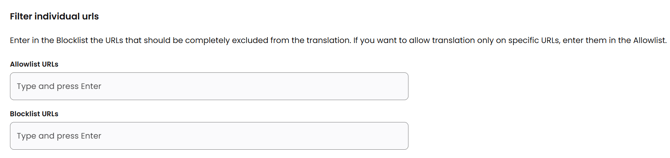
In the “Filter individual URLs” section, you can add URLs to the allowlist or the blocklist:
- Blocklist: Add the URLs that should be completely excluded from simplification.
- Allowlist: Add the URLs here if simplification should only be available on specific URLs.
Does this also apply to Eye-Able Translate?
Excluding individual URLs works the same way in the Eye-Able Translate module. You can find more information in this article: