
Ally is Eye-Able’s AI assistant for digital accessibility. It has been specifically trained on digital accessibility issues and helps users to better understand errors and resolve them effectively.
In a chat format, Ally explains accessibility in accordance with WCAG requirements in an easy-to-understand way, assists with the structured analysis of problems, and helps to implement accessible solutions securely and in compliance with data protection regulations.
Features
Ally’s chat function is available both in Audit and Report, as well as a standalone tool in the Dashboard.
1. Ally in Audit
When using the Audit browser extension, Ally assists with checking individual pages for accessibility by providing additional information on the issues found. Based on the results of the automated accessibility check, Ally thus not only offers more context regarding the issue but also, where possible, potential solutions.
Ally’s initial response is based on three key questions:
-
What is the issue?
-
How can I fix the issue?
-
Why is this important?
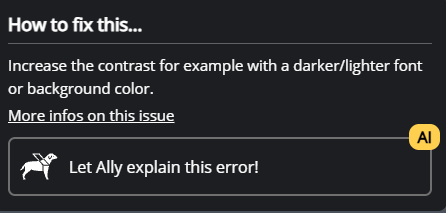
In Audit, Ally can be found for every issue detected in the ‘Fix the issue’ section. Clicking the ‘Let Ally explain this issue’ button automatically starts the chat.
2. Ally in the Report
The Report in the Eye-Able Dashboard offers two further ways to use Ally.
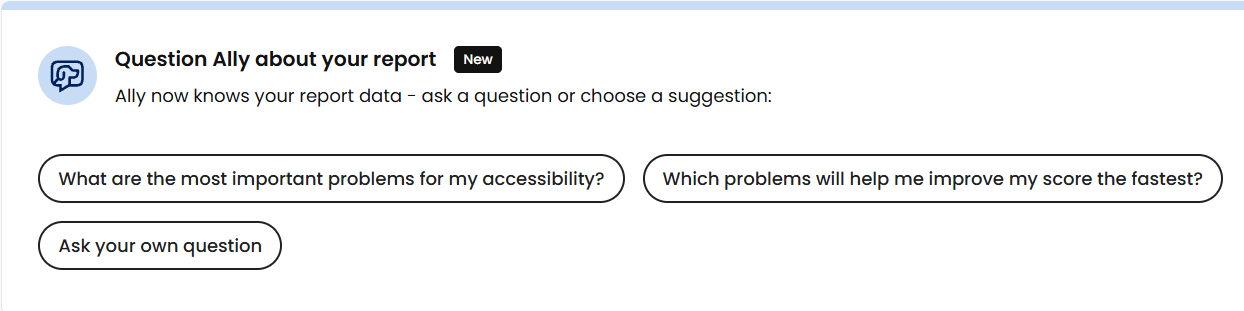
To get help with general questions about the report, or for support with using the software and interpreting the results, Ally can be launched directly from the ‘Issues’ sub-menu via the banner ‘Ask Ally about your report’ embedded there. In this case, all report results are included in Ally’s response, ensuring a comprehensive answer with the relevant context is provided.
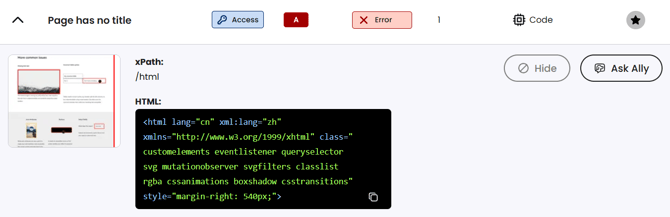
To obtain direct help with a specific issue – as with Ally in Audit – Ally in Report is also available on the page detail view to assist with understanding and resolving the accessibility issues found.
In this usage scenario too, Ally initially provides answers to the problem based on the three key questions: “What is the issue?”, “How can I fix it?” and “Why is this important?”, and, thanks to the chat function, offers the option to delve deeper into a problem if necessary.
3. Ally in the Dashboard
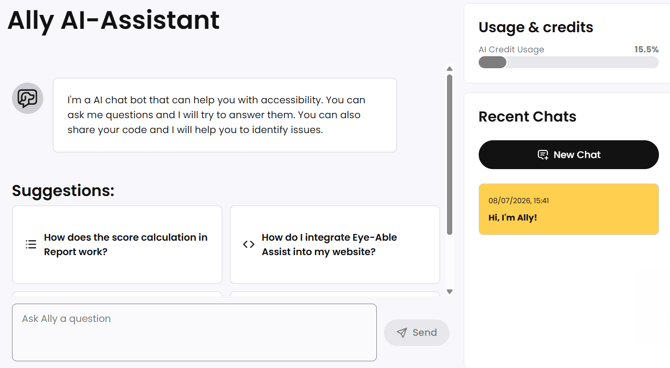
In the Dashboard menu bar, under ‘Tools’, Ally is also available as an interactive AI chatbot for any questions relating to digital accessibility.
This means that, as well as general questions about accessibility guidelines and issues, you can also share code directly in the chat, for example.
Technical Background
AI credits are required to use the Ally AI Assistant. Your current credit usage can be viewed at any time in various sections of the dashboard.
Further information on the AI credit allocation and how it is used can be found in the following article:
Data Protection
Ally places great importance on data protection and security.
The AI operates without storing any personal data and complies with strict data protection laws and guidelines.
This ensures secure and compliant use for both your organisation and your customers.