
In this article, you will learn where to change the position of Eye-Able Assist and what to consider with dynamic or local integration.
Adjust the position and settings of Eye-Able Assist
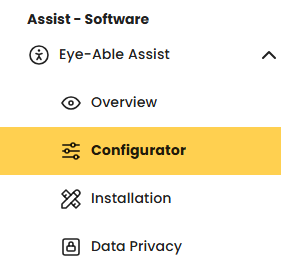
You can adjust the position of Eye-Able Assist and other settings in the configurator. You can find it in the Assist menu area of the Eye-Able Dashboard.

Note on dynamic or local integration
If you have integrated Eye-Able Assist via dynamic loading or local integration, your changes will only become visible on your website once the locally stored files have been updated.
Current script and configuration files
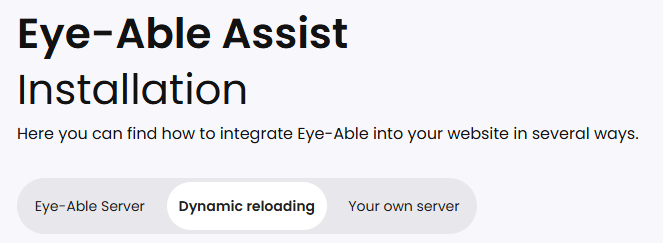
You can find the latest version of the script and the configuration file in the dashboard under “Eye-Able Assist Installation”.
Further articles
You can find more information about Eye-Able Assist in these articles:
- Embed the Eye-Able Assist icon directly into a page
- Dynamic reloading of Eye-Able Assist
- Integrate Eye-Able Assist locally
- Update Eye-Able Assist with local hosting
Further help
Do you have further questions or need personal support? The following article explains how you can get in touch with us: