
Yes, Eye-Able Assist supports accessible language selection. The software was developed to make it easier for users from different language regions to access digital content. Here you will find an overview of the multilingual features.
Multilingual user interface
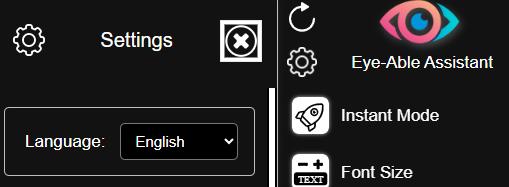
The user interface of Eye-Able Assist can be displayed in several languages. Users can select their preferred language directly by opening the settings in the Assist toolbar. There, more than 50 languages are available for using Eye-Able Assist.
Read-aloud function in different languages
The integrated text-to-speech function of Eye-Able Assist supports several languages and reads content aloud in the selected language.
Requirement: Your browser must support the relevant language, as the browser’s own voice is usually used.
Compatibility with multilingual screen readers
Eye-Able Assist is compatible with screen readers that can correctly recognise and reproduce different languages.
Related articles
You can find more information on language settings and screen readers in these articles: