Overview
To edit or delete text simplifications in Plain Language, proceed as follows:
-
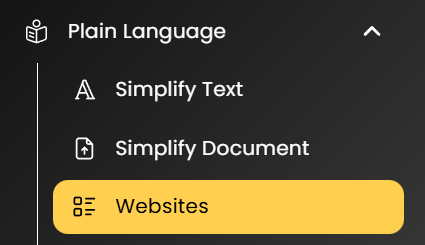
Open your dashboard and navigate to “Plain Language.”
-
Click on “Websites” to view an overview of your licenses.

-
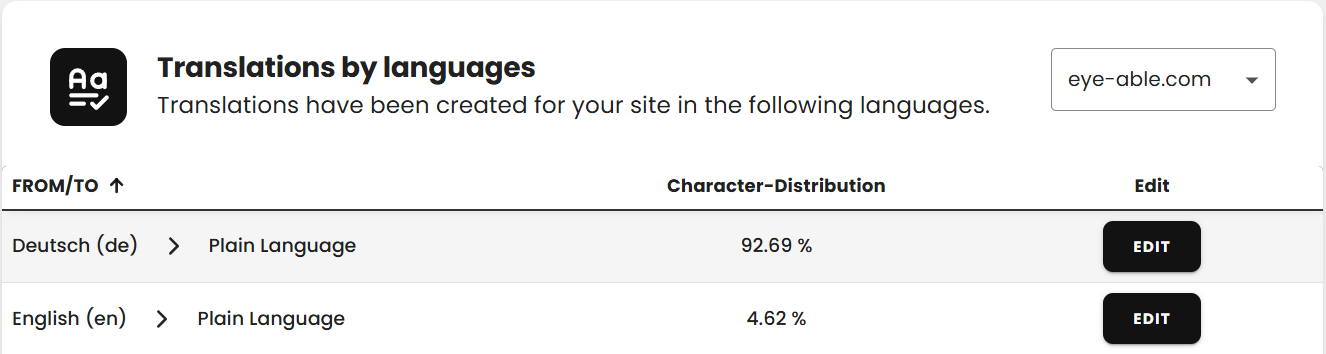
Select the “Edit” option to access an overview of the text simplifications.
-
Click “Edit” again to manage the desired text simplifications.
Editing and deleting text simplifications
In this view, you have the option to filter, edit, or delete the text simplifications according to your preferences.
If you want to edit a single text simplification, click on the pencil icon located on the right in the “Actions” column. This opens an editing field where you can make changes.

If you want to delete a text simplification, click on the “X” icon, which can also be found under “Actions.” After clicking it, the selected translation will be removed from the list.