
If Eye-Able Audit was already installed before your license was activated, the software will not work on newly activated domains at first—in this case, you'll need to reload the license once.
Reactivate License
- Open Eye-Able Audit.

- Click the gear icon in the upper-right corner.

- Log in to the Eye-Able Dashboard using your credentials on the following screen.
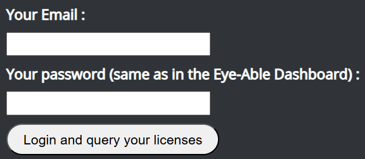
- Click the “Login and query your licenses” button.
These steps ensure that the newly activated license is correctly recognized and activated so that Eye-Able Audit functions properly.
Support needed
If the license is still not recognized after this, please contact us: Contact details for customers and interested parties